Questions instructors ask
What does it cost?
It's free to get started. Paid plans with more features will come later, alongside a free plan, and you'll hear well before anything changes.
When is Showdown coming?
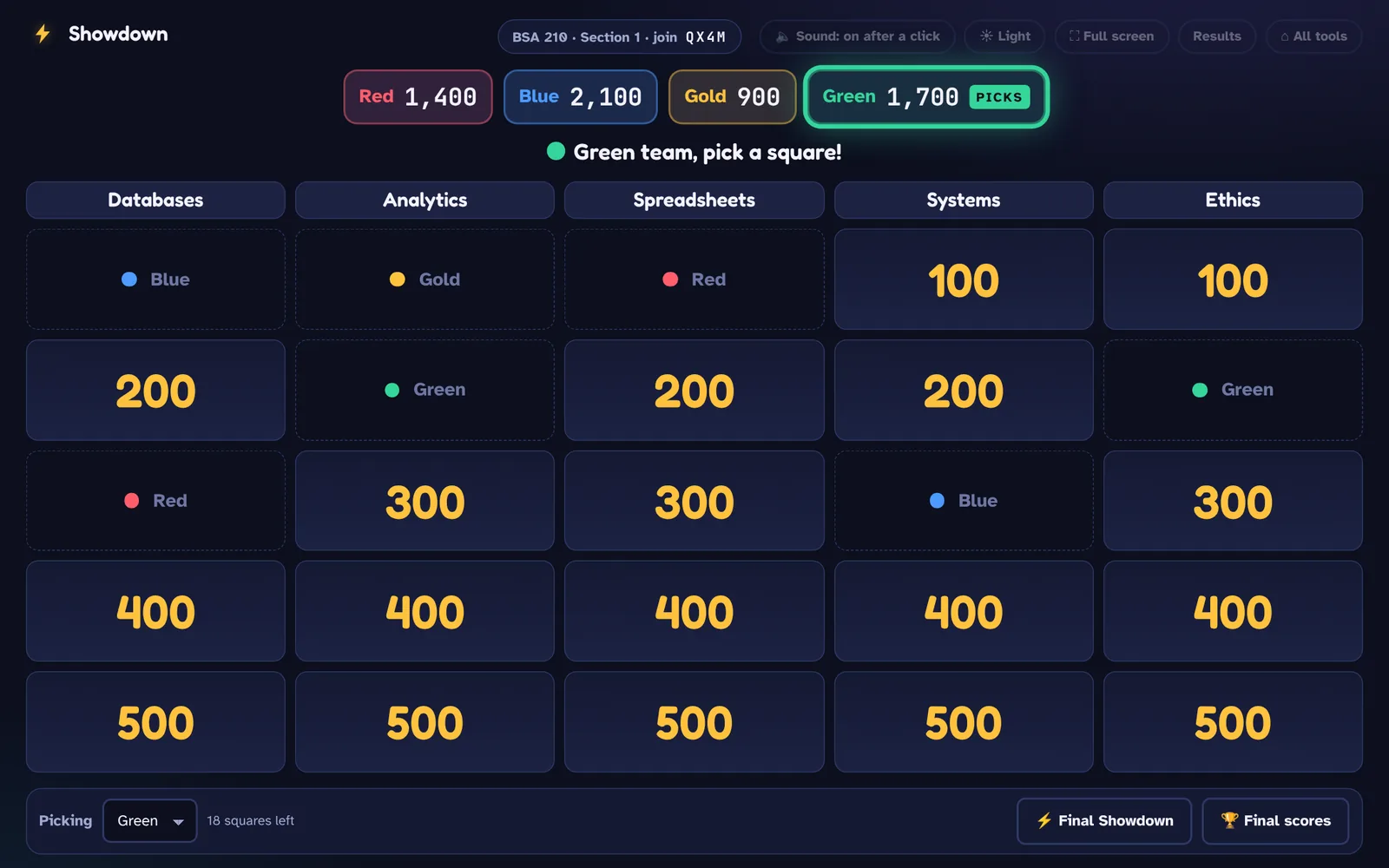
Showdown is in final testing. Check the Showdown box when you request your account, and you'll hear as soon as it's ready.
Do students need an app or an account?
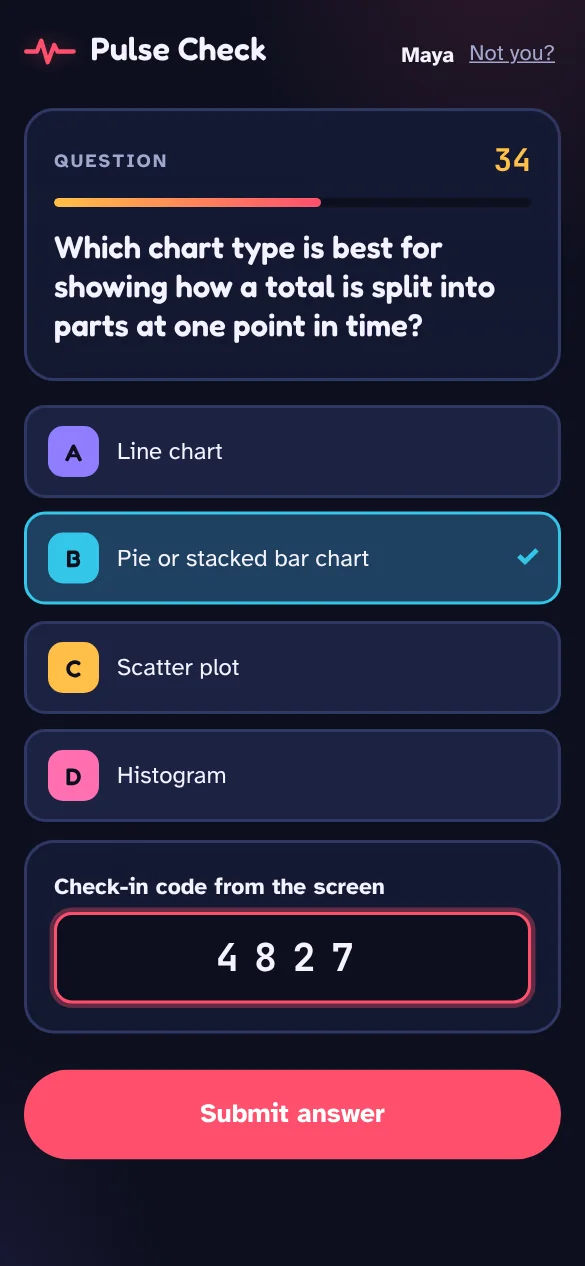
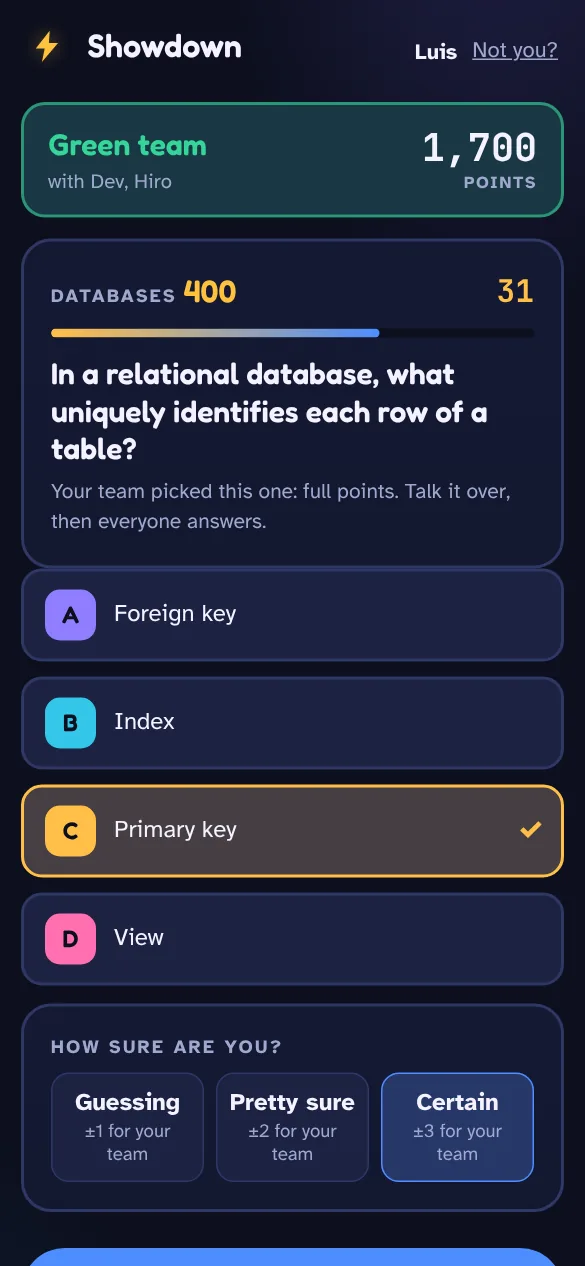
No. Students open a web page on any phone or laptop, type the code on the screen, and enter their first name. Practice with Hot Seat Solo doesn't even need a code: they just open the link you share.
Can I bring my existing questions?
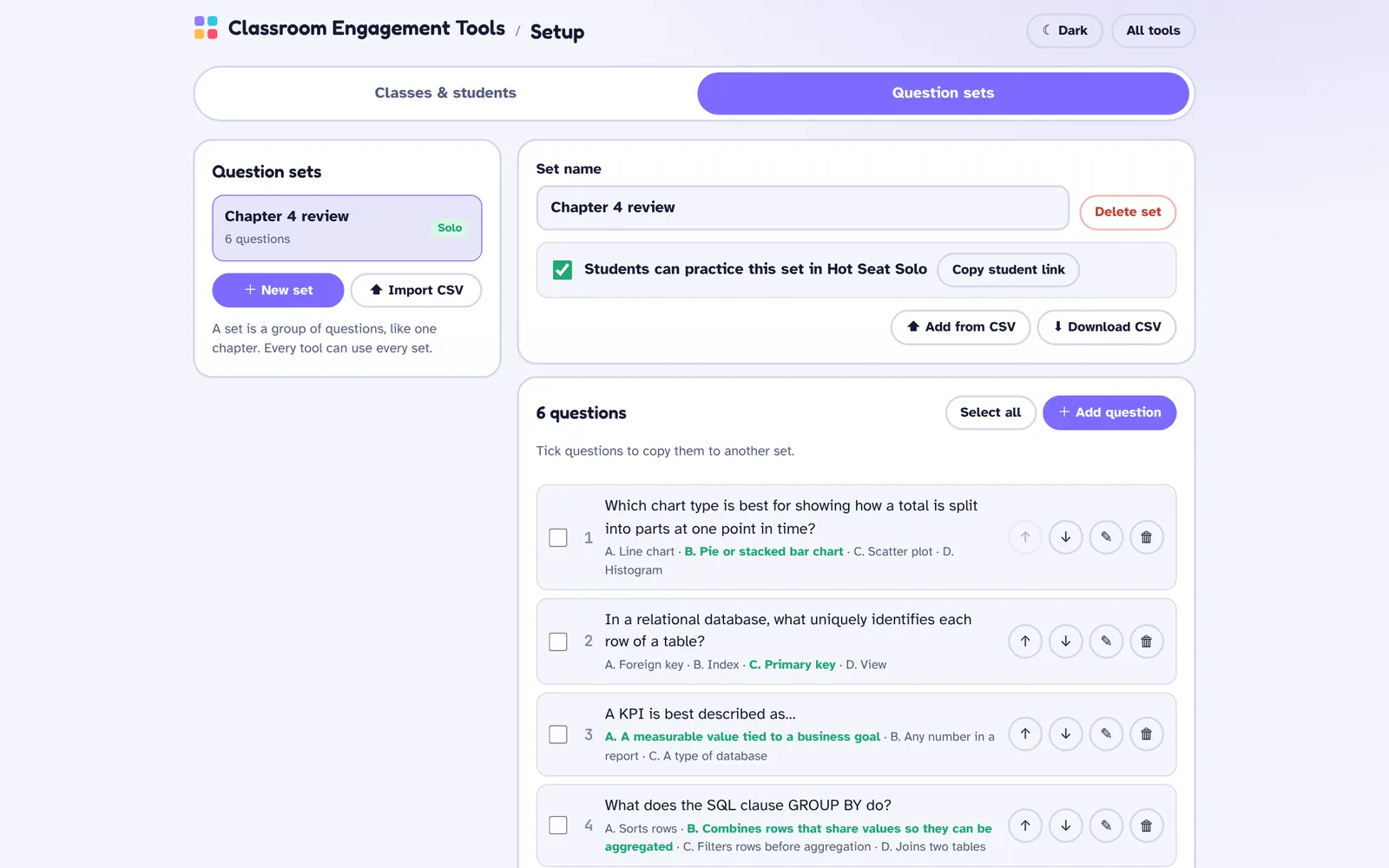
Yes. Import a spreadsheet saved as CSV with the question, the answer choices and the correct answer. You can also download any set as a CSV to keep or reuse.
Does it work with Canvas or my course site?
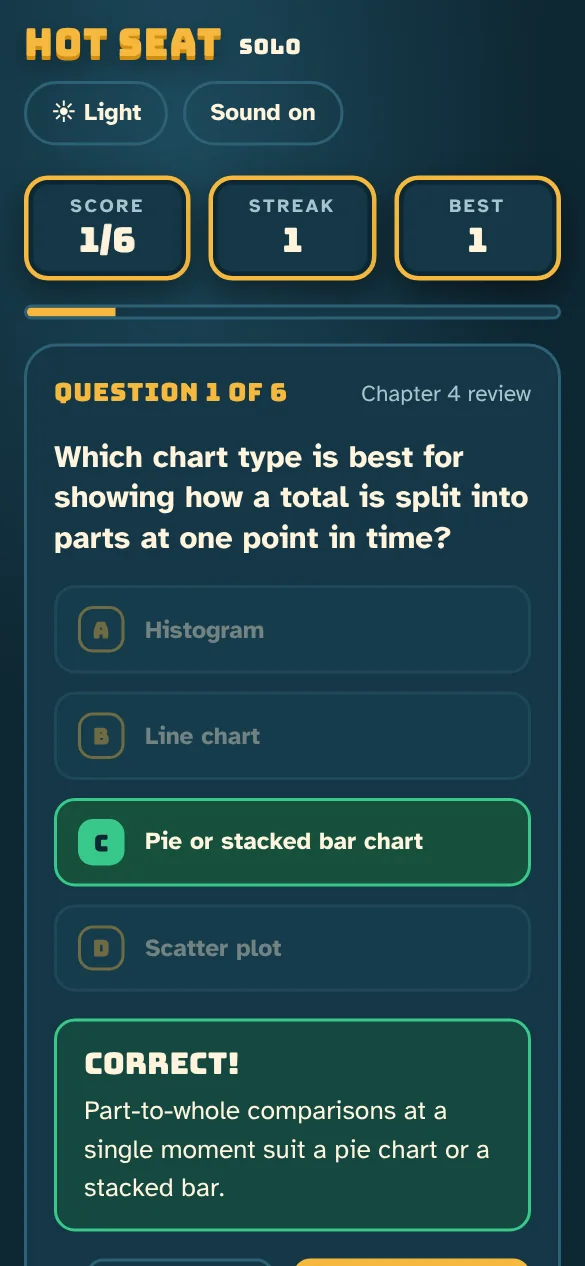
Hot Seat's practice mode, Hot Seat Solo, gives you a link for each shared question set, which you can post in Canvas or any course site. The live tools run on the projector during class, so there's nothing to connect.
What do I need in the classroom?
A computer connected to the projector, and an internet connection for you and your students. Pulse Check can also be run from your phone.
What happens to my data if I leave?
You can download your question sets as CSV files at any time. If you close your account, your classes, students, questions and results are all deleted.
 Braincloud Software